Whitebg

Browser workflow

Get a free white bg online for your photos

A free white bg online is useful when you need a clean image without installing an editor. Start with a clear photo or describe the image you want, then inspect the result before using it.

Free to start · no signup
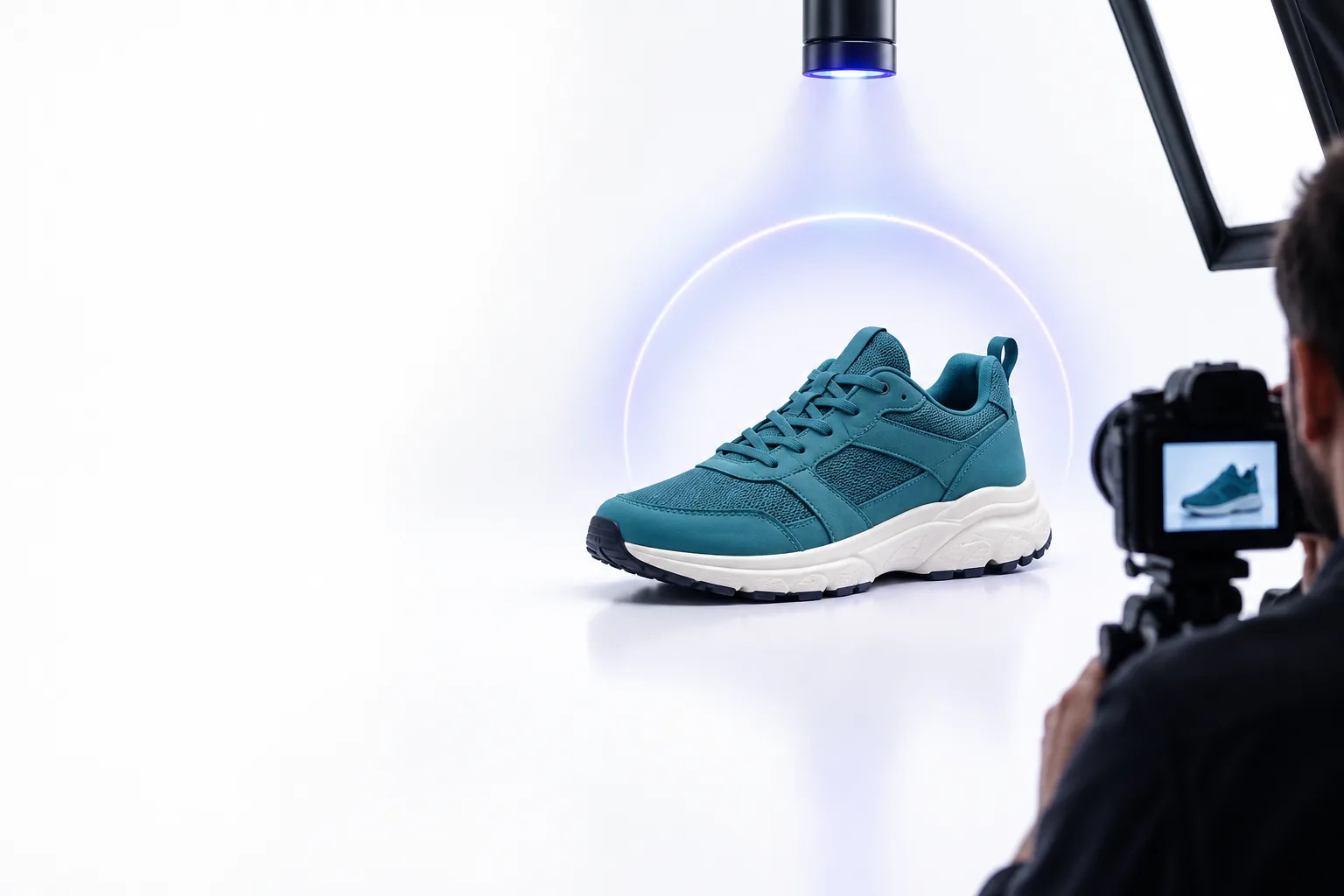
Whitebg landing visual showing an image with a clean white background

Choose a photo that gives the tool a fair start

Good source images make a white bg easier to produce. These common starting points call for slightly different checks.

Small-shop seller

A product photo has a busy tabletop behind it. Begin with an in-focus image whose edges are visible; avoid objects cropped by the frame.

Aim for a white bg that separates the product from the scene while retaining a believable contact shadow.

white background editor

Portrait maker

A headshot needs a quieter setting. Choose a photo with visible hair detail and enough contrast between the person and the existing background.

Check the white bg around hair, shoulders, and glasses before sharing the portrait.

white bg examples aesthetic

PNG user

A transparent graphic needs a solid white canvas. Check whether the source really has transparency rather than a gray-and-white checkerboard baked into its pixels.

Use a white bg where transparency would display unpredictably.

white bg for png

Phone photographer

A mobile photo looks uneven under indoor lighting. Pick the sharpest original instead of a compressed image copied from a message thread.

A clean white bg is easier to assess when the subject has not already lost detail.

white bg for iphone

One full run-through

Here is a practical browser-first route from an idea to an image you can inspect.

  1. 1

    Set the subject

    Use the prompt above to describe a specific object, its color, and the framing you need. If the destination accepts a source image, provide a clear original; otherwise, describe the desired scene rather than assuming it can edit your file.

  2. 2

    Specify the background

    Ask for a pure white bg and mention whether you want a soft contact shadow. A plain white backdrop and an evenly lit subject are clearer instructions than asking only for a cleaner picture.

  3. 3

    Inspect and save

    Check the full-size result, especially hair, glass, pale objects, and the area beneath the subject. Confirm that the background is actually white, then use the available save option if the image meets your needs.

Options table

Choose your next route by the job at hand: editing an existing photo, preparing transparency, or deciding whether white is the right background.

What fails

An online white bg workflow can simplify a scene, but it cannot recover detail that was never captured.

Missing subject edges

Hair against a similar-colored wall, motion blur, and clipped objects leave the boundary ambiguous. The resulting white bg may show halos or cut away fine strands.

Workaround

Start with a sharper original and stronger separation between subject and surroundings.

White objects disappearing

A white shirt, pale package, or clear glass can lose its outline against a white bg, even when the background itself looks clean.

Workaround

Ask for gentle edge lighting or a faint natural shadow, then review the full-size result.

An assumed file-editing feature

A browser destination may generate a new image from text rather than replace the background of an existing upload. Those are different tasks, and a prompt alone does not preserve an original photo.

Workaround

Check the destination's available input options before relying on it for an exact edit.

Unverified output requirements

A white-looking preview does not establish exact pixel color, dimensions, file format, or acceptance by a particular marketplace.

Workaround

Inspect the saved file and check the destination where you plan to use it.

Try the browser workflow

Create a cleaner image on white

Describe your subject and request a white bg with enough edge detail to keep it readable. Review the result at full size before treating it as a finished photo; if you need an exact edit of an existing image, first confirm that the destination supports source-image input.

Create white image
  • Start with a specific subject description
  • Request white and a natural contact shadow
  • Inspect edges and the saved file

Its own FAQ

Yes, a browser-based workflow does not require a desktop installation. What you can do depends on the destination: some tools create a new image from a description, while others accept an existing photo for editing.

No. Solid white pixels and transparent pixels are different, even if both appear white in a preview. If transparency matters, inspect the saved file in an app that displays the alpha channel.

The outline can come from blurred edges, reflected color from the old setting, or an imperfect subject boundary. Try a sharper source photo and inspect the result at full size rather than relying on its thumbnail.

Not automatically. Listing requirements can specify background color, image size, framing, and file type, so check the rules for the place you will publish it. Verify the saved image rather than judging only the browser preview.

Start editing
Start editing