Whitebg

PNG BACKGROUNDS

Create a white bg for png images

A transparent PNG can look different wherever you place it. Give the subject a consistent white bg, check its edges, and export a version suited to the place you plan to use it. Whitebg helps you start with a clear instruction rather than guessing what the final backdrop will look like.

Check the result before using it
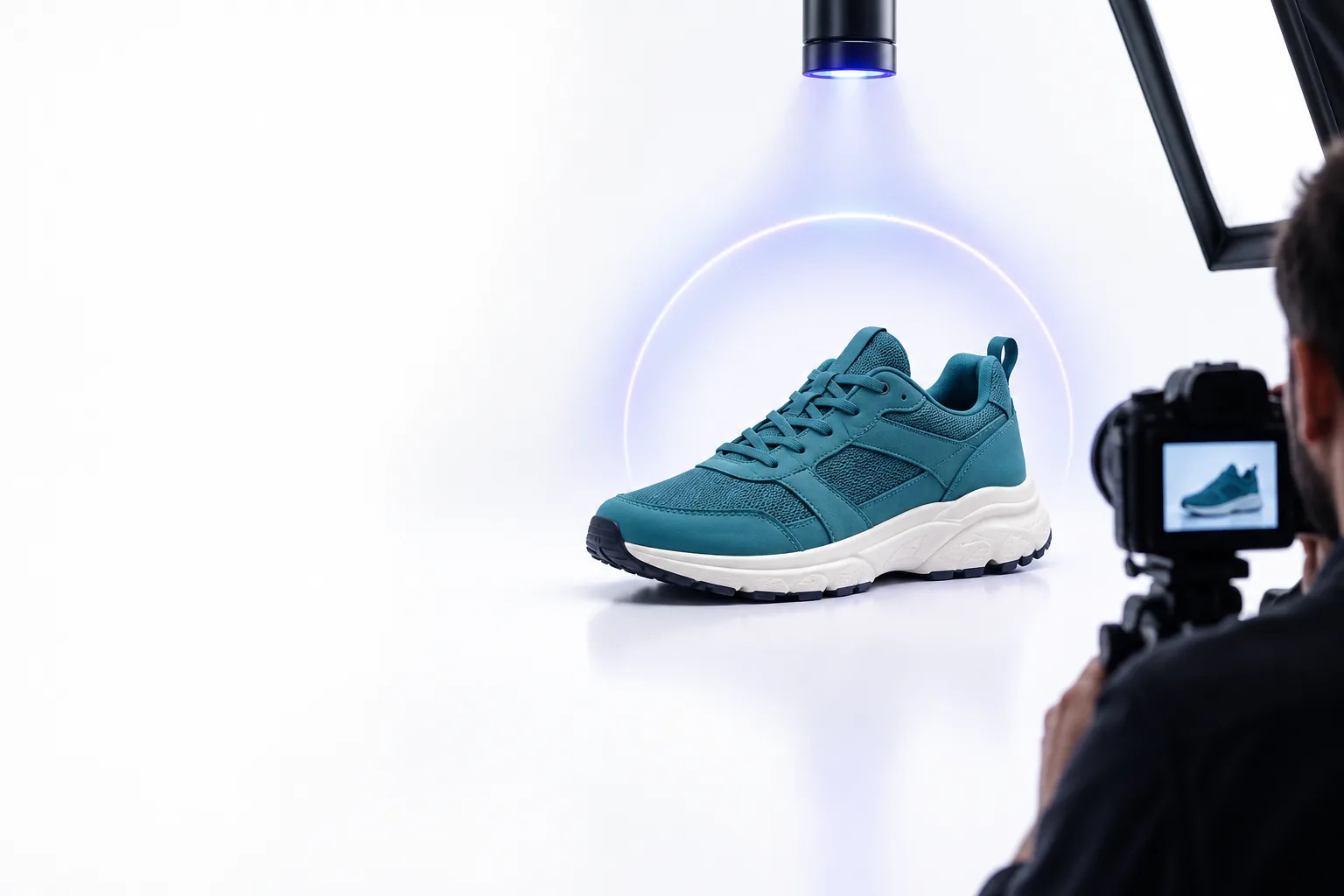
An image subject shown against a light, clean backdrop

Keep the subject, change the backdrop

The useful distinction is between the pixels that belong to your subject and the pixels behind it. These related guides cover nearby choices:

Three parts of a clean result

A white bg looks simple, but a convincing PNG edit depends on three separate decisions.

  1. 1

    Identify what stays

    Start with the original PNG and inspect whether its background is actually transparent. A checkerboard in an image viewer often indicates transparency; a checkerboard baked into the image is ordinary picture content and needs removal.

  2. 2

    Protect the outline

    Keep hair, fabric, glass, and soft shadows in mind when describing the edit. Edge pixels can contain traces of the old backdrop, so inspect the outline against white rather than judging it only on a dark viewer canvas.

  3. 3

    Choose the export

    A PNG can contain a solid white bg or remain transparent; the extension alone does not tell you which. Preview the exported file on another background if transparency matters to your next use.

Step-by-step for your image type

Choose the closest situation, describe the change you want, then inspect the exported PNG at its intended display size.

Product photographer

Start with a cutout of a small product. Ask for a plain white backdrop, then zoom in around reflective or pale edges before exporting.

A consistent product image without changing the object's color or silhouette.

white background editor


Small-team publisher

Open a PNG in the browser, request a white bg, and compare the preview with the original before placing it in a page layout.

A light backdrop that stays predictable across different page surfaces.

free white bg online

Portrait maker

Ask to retain fine hair and natural skin edges. Check for a pale halo where the original background met the subject.

A cleaner portrait cutout that does not appear pasted onto white.

white bg examples aesthetic

Phone photographer

Use the original image rather than a screenshot, request a white background, and review the result on the phone before sharing.

A PNG that reads clearly on a small screen, where edge artifacts can be easy to miss.

white bg for iphone

Limits and edges

White can reveal problems that transparency hides. Inspect fine outlines, white objects, and soft shadows before treating an edit as finished.

Illustrative product image for background inspection Inspect the original
Illustrative image with a white PNG backdrop Check against white
These are illustrative images, not a matched before-and-after edit. If a white object blends into its new backdrop, keep a subtle natural shadow or review the result on the page where it will appear.

Ready to check your PNG?

Give your PNG a clear white backdrop

Describe the subject you want to keep and the background you want to change. For a white bg for png work, inspect the result at full size before using it in a listing, document, or page.

Edit my PNG
  • Keep the subject's outline in view
  • Check pale details against white
  • Confirm whether the export is opaque or transparent

PNG background questions

Yes. PNG supports transparency, but it can also store solid white pixels behind a subject. Check the exported file rather than assuming every PNG is transparent.

Place the PNG over a colored surface in an image viewer or editor. If the color shows through, that area is transparent; if it remains white, the background is opaque.

Edge pixels may retain color or softness from the original backdrop. Inspect the image at full size and refine the outline, especially around hair, glass, and thin objects.

A white backdrop does not inherently reduce quality. The result still depends on the source image, the accuracy of the subject's edges, and the size at which you export and display it.

Start editing
Start editing